BitBrowser Launches the "Voucher Tide" Activity Earn $5 & $10 with Just a Few Clicks!
 2025.07.15 22:54
 petro
petroWhat is the "Voucher Tide" Activity?
A long-term official campaign from BitBrowser designed to reward users with vouchers worth $5 and $10 in exchange for real reviews and social media engagement.
It's simple, accessible to everyone, and takes just a few minutes of your time.
Who Can Participate?
All users — new and old — of BitBrowser are eligible to join this campaign. There’s no requirement to be a long-time user; as long as you have genuine experience with the browser, you're in!
Activity Duration
Valid for a long time — this is not a flash promotion. You can participate at any point while the event is active.
How to Participate
There are two ways to earn rewards in the Voucher Tide activity:
Leave a Review — Get $5 or $10
Help others discover BitBrowser by sharing your experience on trusted review platforms. You'll be rewarded instantly for genuine, high-quality feedback.
1. G2 Review (? $10)
G2 is a professional software review platform. Your review should sound like it's from a real user with experience in tech or business.
How to post on G2:
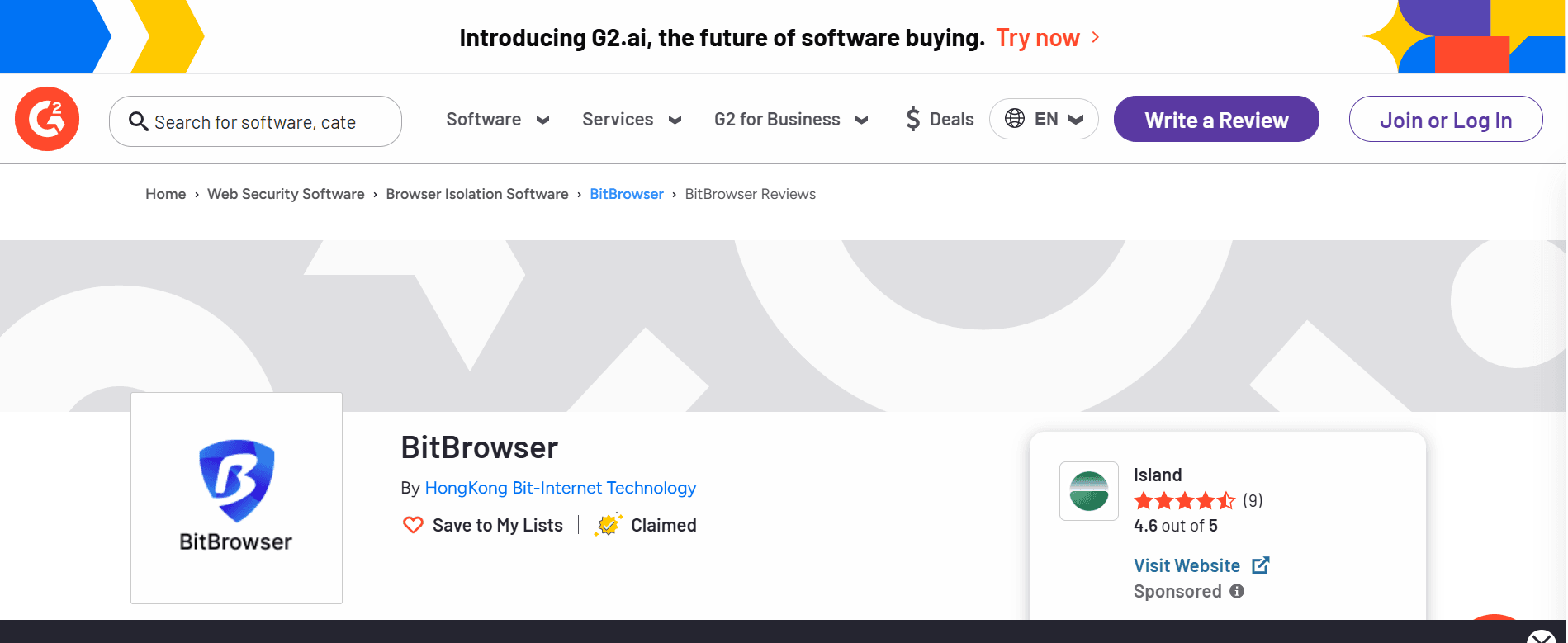
Create or log into your G2 account.
Fill in required details like:
What you like/dislike
Problems it solves
Who would benefit from it
Submit the review.
2. TrustPilot Review (? $5)
TrustPilot is more casual and customer-focused. You don’t need technical details, just honest feedback.
How to post on TrustPilot:
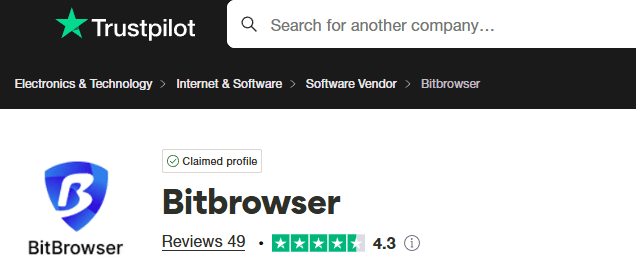
Sign in with Google, Facebook, or email.
Rate 1 to 5 stars.
Write your review and post it.
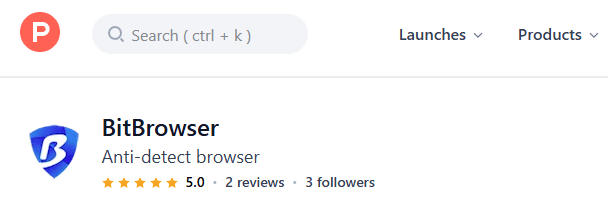
3. ProductHunt Review (? $5)
ProductHunt is more startup/innovation-focused. Reviews should feel like you're supporting a cool new tool.
How to post on ProductHunt:
Go to BitBrowser’s page: https://www.producthunt.com/products/bitbrowser
Log in with Google/Twitter.
Click "Leave a review" or scroll to the review/comment section.
Rate and write your feedback.
Reviews should be in English and must stay online for at least 2 days.
Step to claim reward:
Take a screenshot of your published review and send it to:
- WeChat: yangguang880866
Telegram: @Jasondjtuan
Publish Social Media Content — Get $5 or $10
Spread the word about BitBrowser through social platforms — and get paid for it!
What to do:
- Publish posts or videos about BitBrowser on platforms like Facebook, Twitter (X), Instagram, TikTok, or YouTube.
Keep your post live for at least 2 days.
Types of content & rewards:
Create and share your own original video — ? $10
Post using official materials provided by BitBrowser — ? $5
To claim your reward:
- Add the official WeChat (Sunshine) or Telegram @Jasondjtuan
- Ask for media materials if needed
- Submit a screenshot after posting
Important Notes
- Each user can only participate in 2 different types of activities maximum.
The right of final interpretation belongs to BitBrowser.
Why You Should Join
- Easy & Fast: Just a few minutes of your time.
- Real Value: Earn up to $20 instantly for simple actions.
- Support Innovation: Help promote a browser that protects user privacy and enhances multi-account management.
Get Started Now
Don’t miss out on this generous offer from BitBrowser. Whether you're reviewing on G2 or posting a TikTok video, this is your chance to earn rewards while sharing your honest feedback.
? Join the campaign and contact the team via:
- Telegram: @Jasondjtuan
- Wechat:yangguang880866


 Multi-Account Management
 Prevent Account Association
 Multi-Employee Management
Recommended
See More 
 Discord "Cannot accept invitation to "Midjourney" channel solution
 BitBrowser Launches the "Voucher Tide" Activity Earn $5 & $10 with Just a Few Clicks!
 In-depth analysis of fingerprint browsers - speech voices browser fingerprint
 IPv6 proxy access is limited? Why mainstream platforms do not support IPv6